What should move?
Add a picture and say what moves. Ayamo makes a calm, on-style clip. Your data stays yours, and it's safe for teens from the start.
Invite-only beta. New accounts start with free credits. No invite yet? Ask for one.
- No names, emails or accounts reach an outside AI
- Safety on by default
- Your clips stay private
 Picture
Ayamo clip
Picture
Ayamo clip
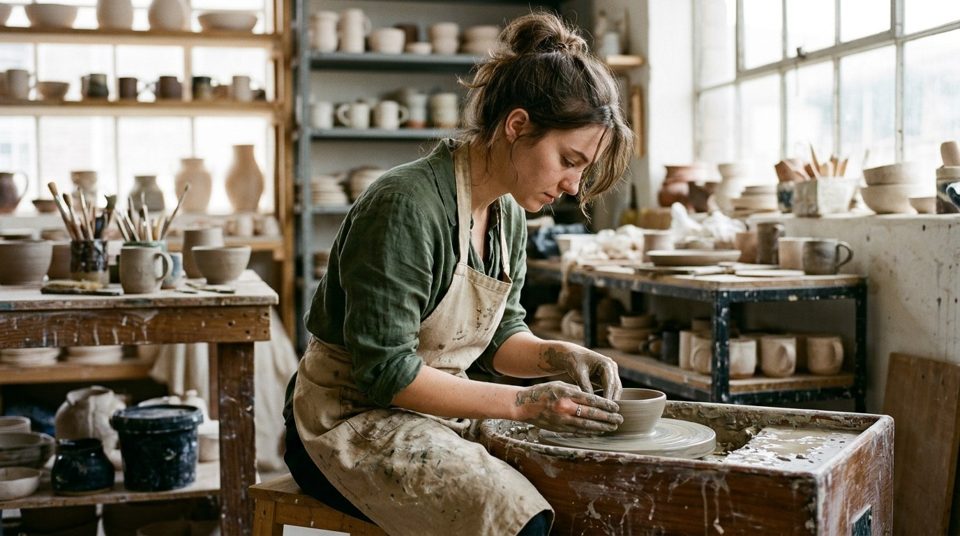
Drag the line. The picture is on the left, the Ayamo clip on the right.
Prompt Her hands shape the clay as the wheel turns slowly, then she glances up and smiles.
Watch one picture start to move.
Real frames from two Ayamo clips, about half a second apart.








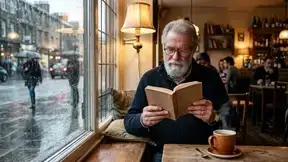


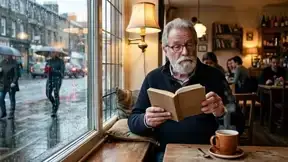
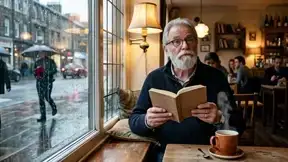
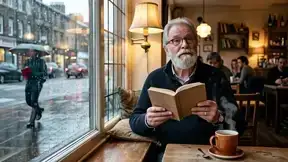
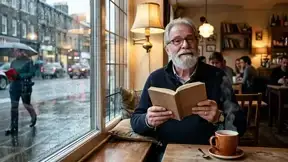
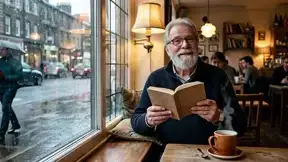
Made with Ayamo
Every picture here was made up: no real people. Every clip is real Ayamo output.
Three steps. A clip in 1 to 3 minutes.
- 1Add a picture
A photo, a drawing or an illustration. Wide or tall, Ayamo follows its shape.
- 2Say what moves
One or two short lines. Or tap Surprise me and Ayamo writes the motion for you.
- 3Get a calm clip
Faces stay the same person and the style stays yours. Up to 720p, smoothed to 32 frames a second.
Your data stays yours.
Most video tools send your work to someone else's AI. Ayamo's video model is our own, and it runs on GPUs we control.
Your name, email, account and history never go to an outside AI. Not once.
Ayamo is our own tuned version of the open Wan 2.2 model, with our own motion add-ons, prompts and smoothing. It runs on GPUs we control, not inside another company's video AI.
No outside analytics, no tracking cookies, no ad pixels. Even the fonts on this page come from our own site.
Nobody else sees your clips unless you share them. We don't train on them unless you clearly say yes. Delete any clip any time, or ask us to delete your account.
Being open about it: two small helpers, the safety check and the prompt writer, still use outside AI services today. They get only the picture or the words for that one task, never who you are, and the services don't train on it. We are moving both in-house.
Built for teens, families and classrooms.
Safety isn't an add-on. Every picture, prompt and finished clip is checked, at two levels.
- No sexual content or nudity
- No undressing a real person from their photo
- Nothing sexual involving minors
- No self-harm instructions
- No violence that hurts a person or animal, like bloody hitting, stabbing, or aiming a weapon at someone
- No threats or hate against any group
- No realistic fakes of public figures (cartoons and parody are fine)
- No bullying or eating-disorder talk
- No drinking, smoking, drugs or gambling
- No risky stunts someone could copy
- No fighting, gore, horror or threatening weapons
- No kissing and romance
- It only counts when the prompt shows it happening. A cup of coffee is fine.
Checked before the clip is made and again on the finished frames. Blocked clips cost nothing. If we get it wrong, tap "Think this is a mistake?" and a person reads it.
Use it from your code or your AI agent.
A plain HTTP API and an MCP server. Add Ayamo to Claude Code or any MCP client in one line, and your agent can turn pictures into clips.
animate_image: make a clip from a picture and a promptget_clip: status, progress and the video linkupscale_clip: make a preview 720plist_styles: the style presetsrate_clip: rate a clip and say what went wrong
Sign up to get your API key. Same safety as the playground: Advanced is on unless you turn it off.
Get an API keyPrompts that work
- Say one small action, like "she waves once and smiles"
- Use present tense, and keep it to one or two lines
- Say what the camera does, or leave it out and it stays still
- Skip fast spins and big changes. Calm motion keeps faces right.
Fair prices. Pay per clip.
Blocked or failed clips cost nothing. These are 5-second prices. 10-second clips cost twice as much.
Made at 720p. The best quality.
Made at 480p, shown at 720p. About half the price.
A quick 480p version first. Make it 720p if you like it (+$0.08).
Or buy a pack of credits
Every new account starts with free credits, so you can try it before you pay. You pay on Stripe's page.
Questions
Can I upload photos of real people?
Yes, to animate them. Never to undress or sexualize anyone, and never to make realistic fakes of public figures.
Is it really safe for my teen?
Advanced safety is on by default in the Ayamo playground and the API, and anyone can turn it off for a clip. In LenZ Studio and LenzPop, our apps for families and classrooms, it is always on. Kids under 13 use Ayamo only through a parent's account.
Who sees my pictures?
Only you, unless you share a clip. We look at a picture only to review a safety block or your appeal.
One picture in. A calm clip out.
Private by design. Safe by default.
Start creating